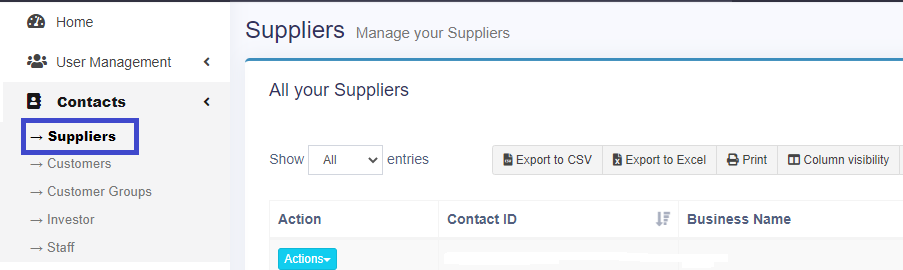
To create a new user, click on Suppliers in Contacts in the left menu bar.
Now, click on the add button on the top right side.

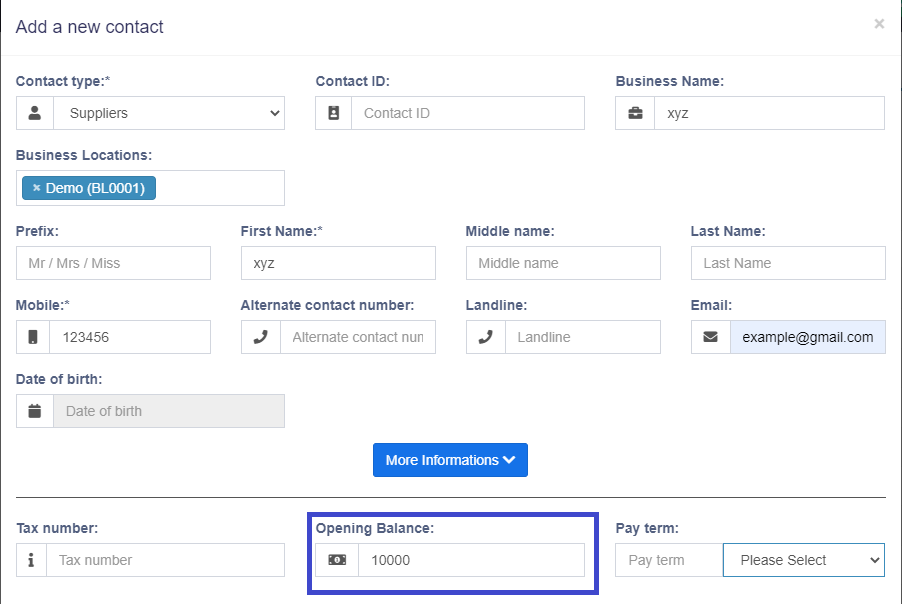
Fill the credentials of the supplier and you can add the opening balance of the supplier. Opening balance of the supplier means the amount that we already paid to our supplier and it can be on a daily or monthly basis. And scroll down and click on the save button that will create a new supplier.