For creating a customer group, click on customers groups option in the contacts section in the left menu bar.

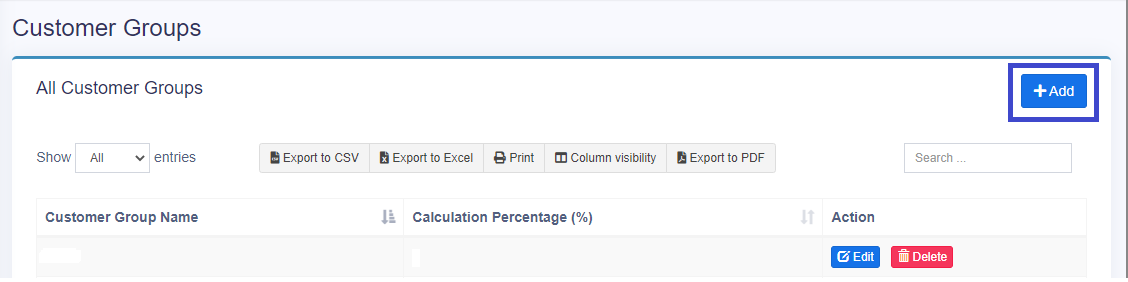
Then click on the add button on the top right side of the customer groups page.
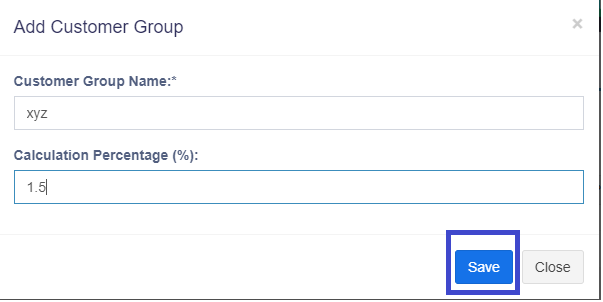
Enter the group name and add a “Calculation Percentage” value. This “Calculation Percentage” value will be added to the purchase price of the product for this customer group.
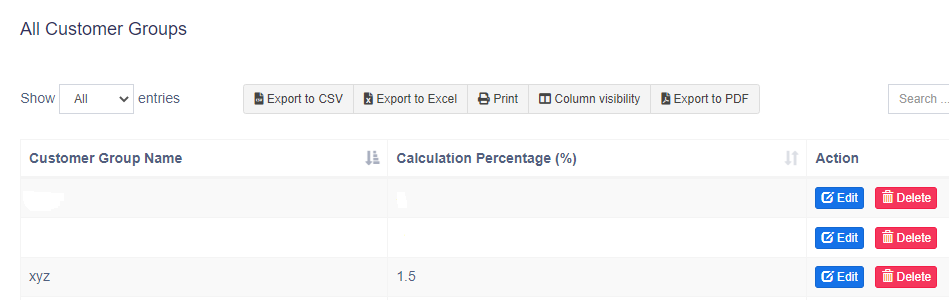
You can see new created customer group in "All Customer Group " page.