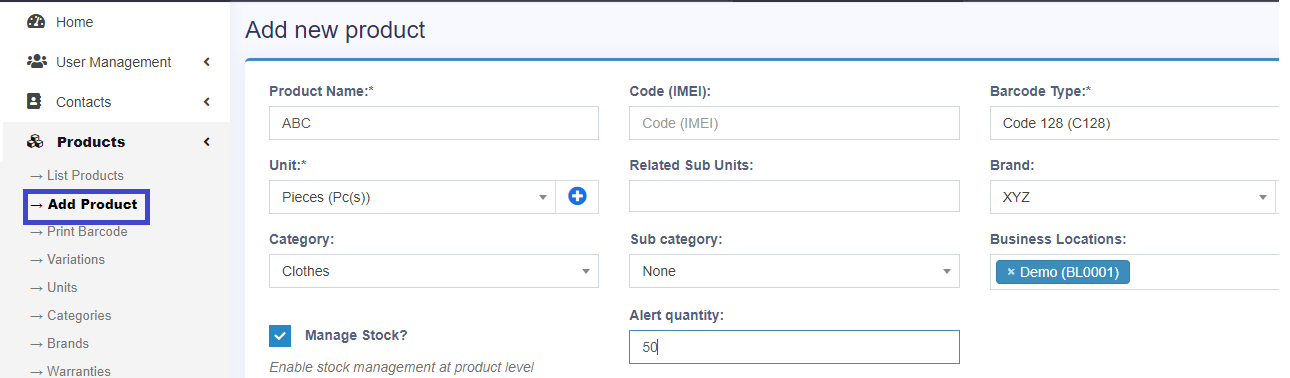
For adding a product, click on add product option in products in the left menu bar. Fill the “Product Name”, select brand, category and enter “Alert Quantity” if you want to show stock alerts on the home page. Here you can create three types of product that are single, variable and combo.
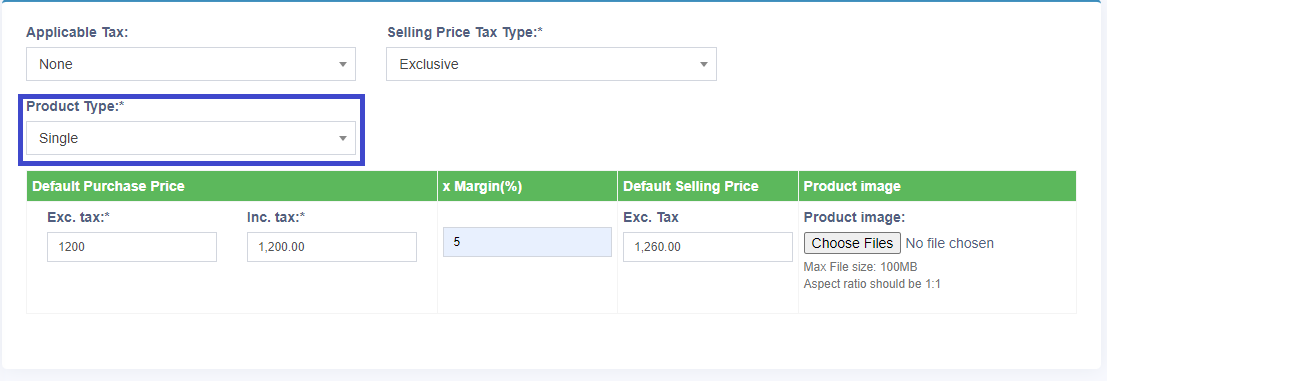
If you want to add a single type of product then select the product type as “Single”. Select the type of product and click on the save button.
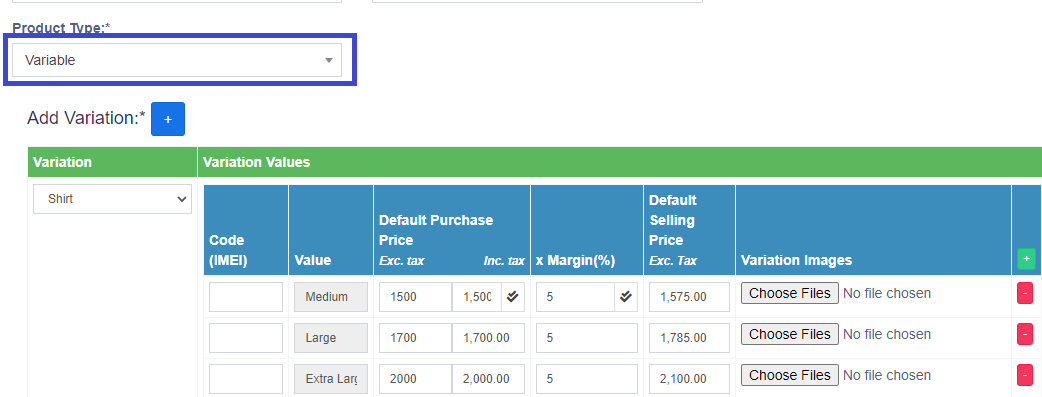
If you want to add a variable type of product then select the product type as “Variable”. Then add the different variations like as different colors of the product, different size of the product etc. Select the type of product and click on the save button.
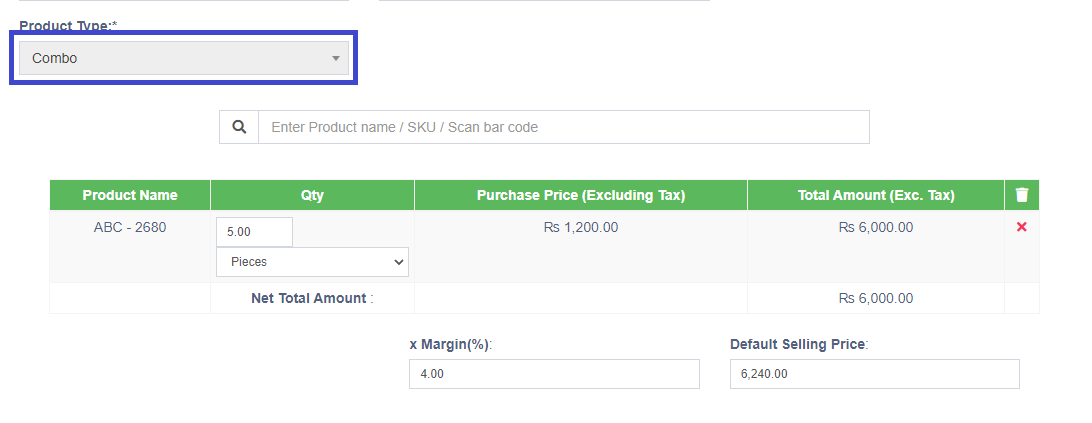
If you want to add a combo type of product then select the product type as“Combo”. Select the quantity of products and select the “Margin”.Select the type of product and click on the save button.