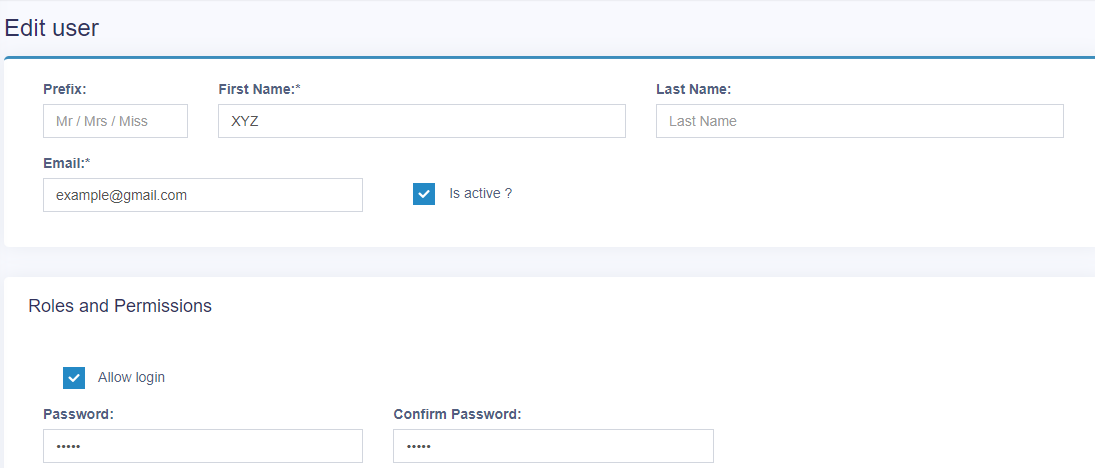
To create new users click on Users in the User Management sub-menu.
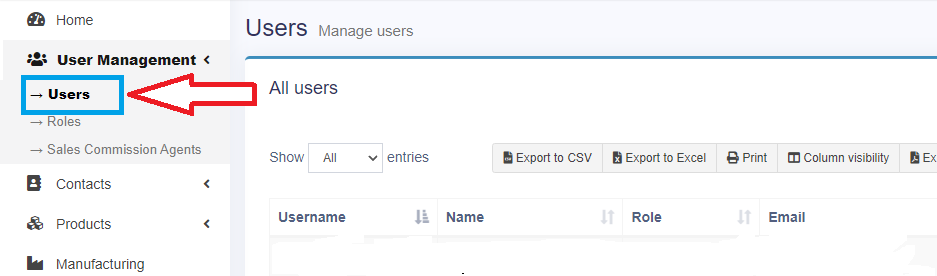
Now, click on add button on top right side.
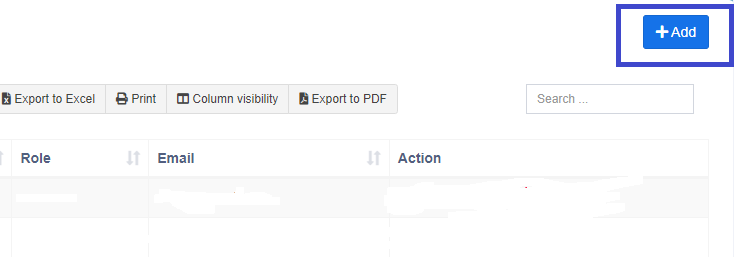
Fill the required fields i.e: name, password and valid email address and assign specific role. You can add other additional personal details in the form as well for personal records.
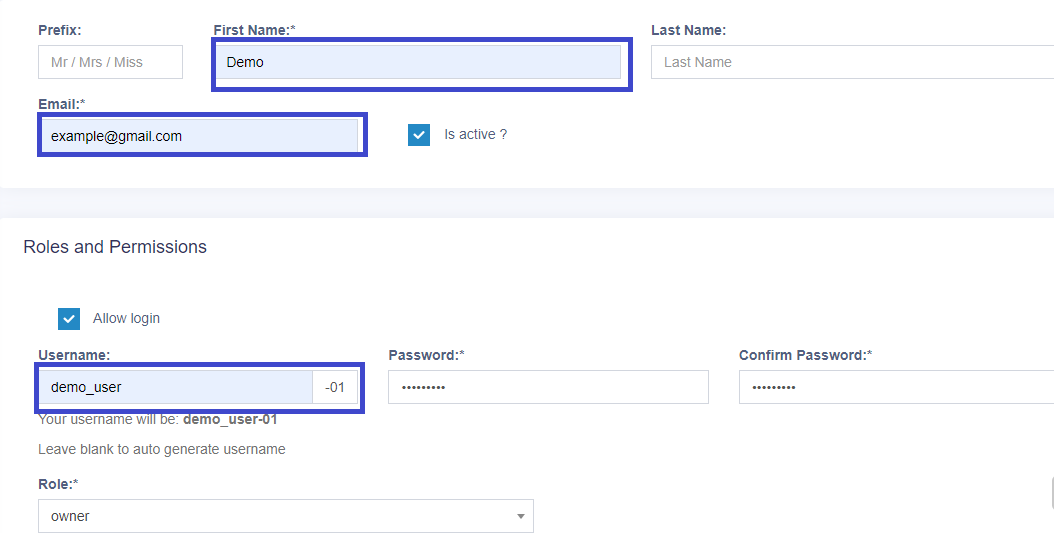
To edit a user, click on the blue colored edit button in the user page and can change user credentials as mentioned in image below.